
The free Git GUI
A native Git client for Windows, macOS and Linux, built in 100% Rust!
Version 1.0.0
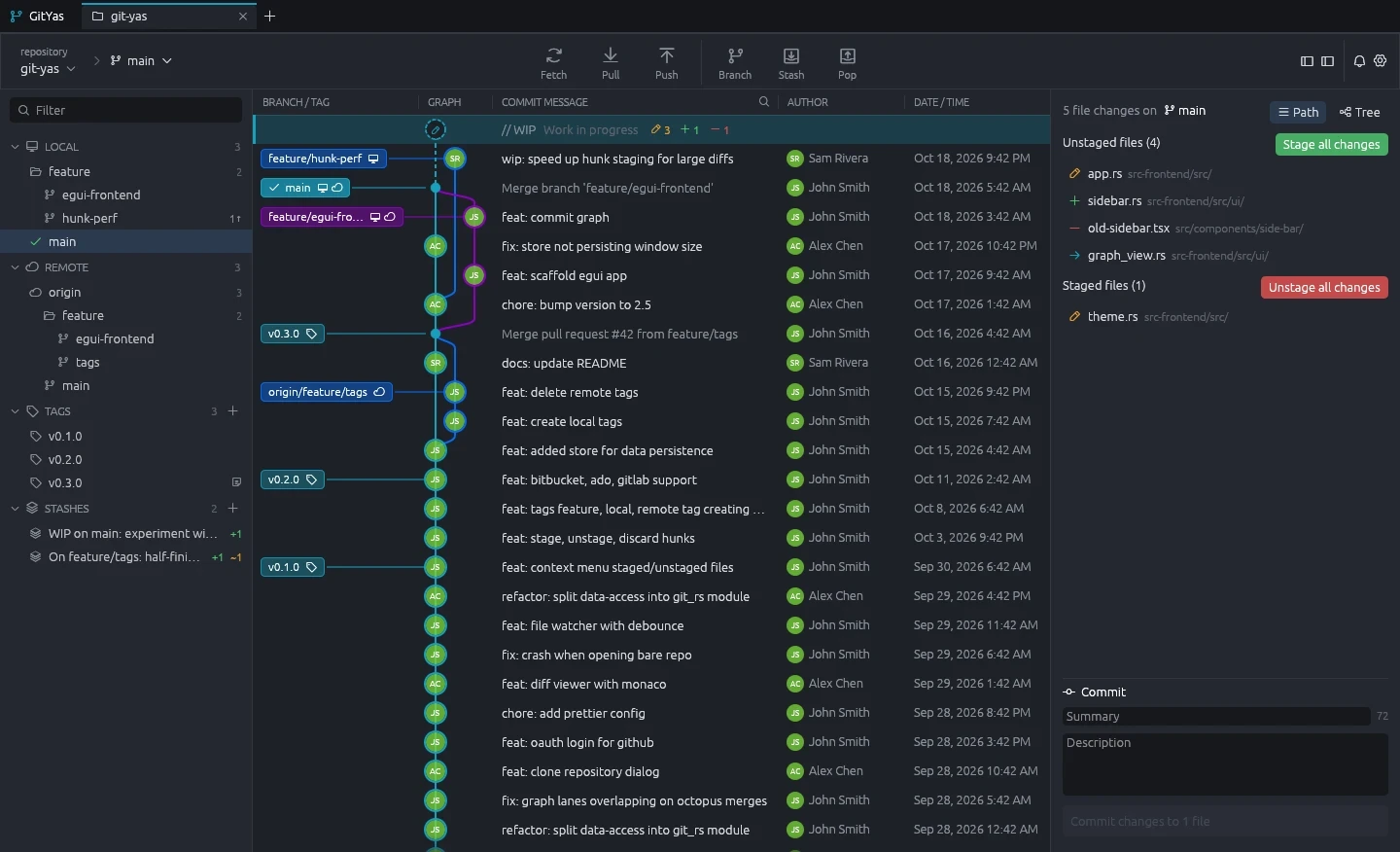
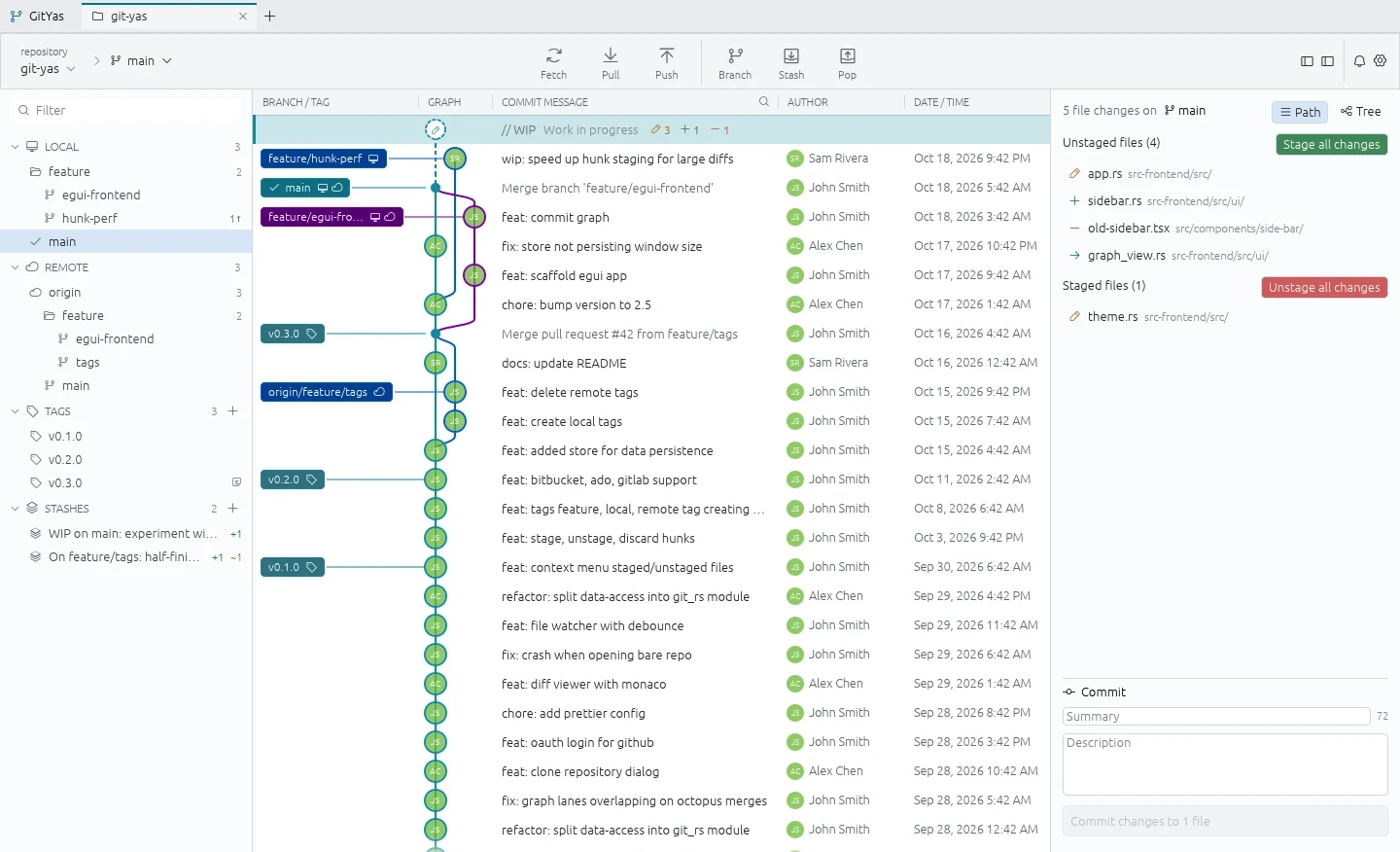
Features
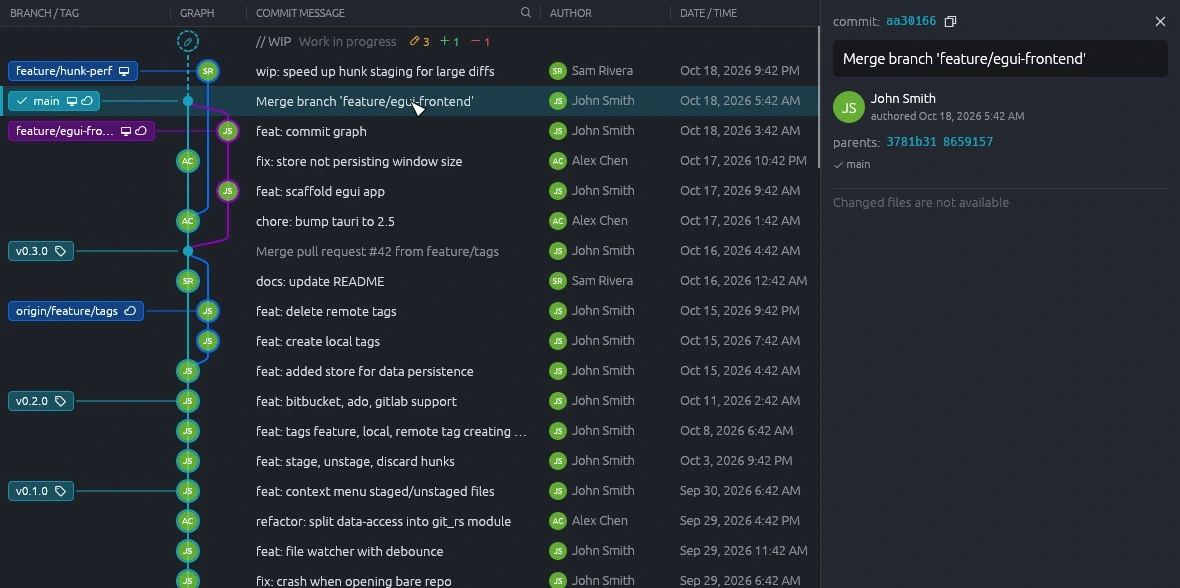
Every branch in one graph.
Each branch gets its own lane and colour, so merges read at a glance.
- Local, remote and tag labels on their commits
- Click a commit for its author, parents and message
- Stashes and work in progress sit on the graph too
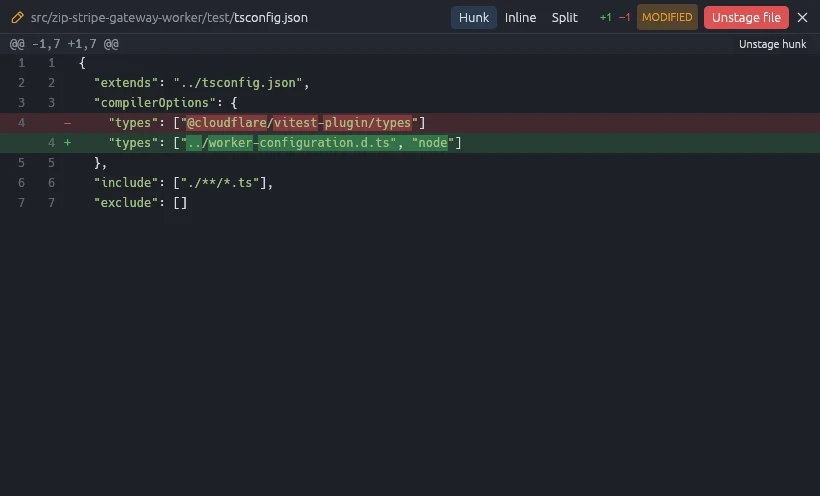
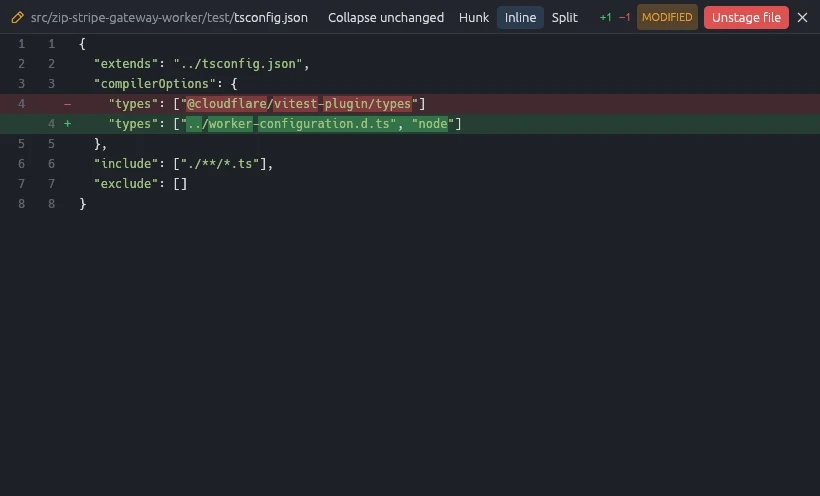
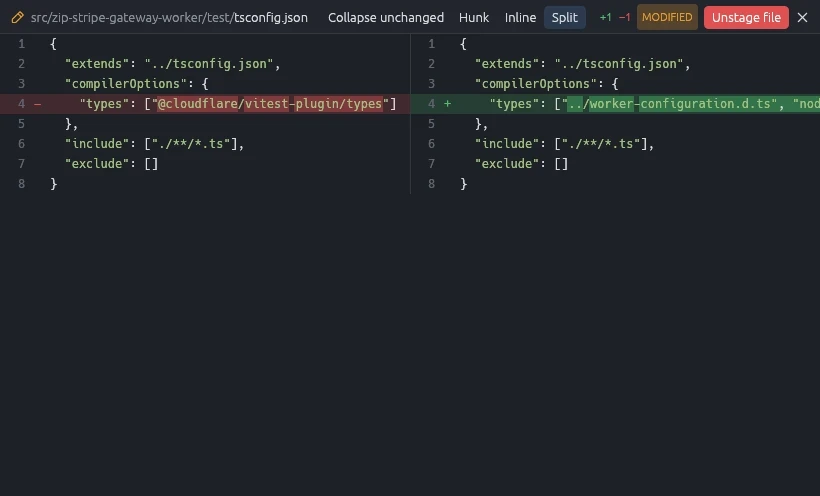
Diffs three ways.
Read a change as a hunk, inline, or side by side.
- Stage or unstage a single hunk
- Word-level highlights inside changed lines
- Pick your default view in settings
Conflicts, resolved in place.
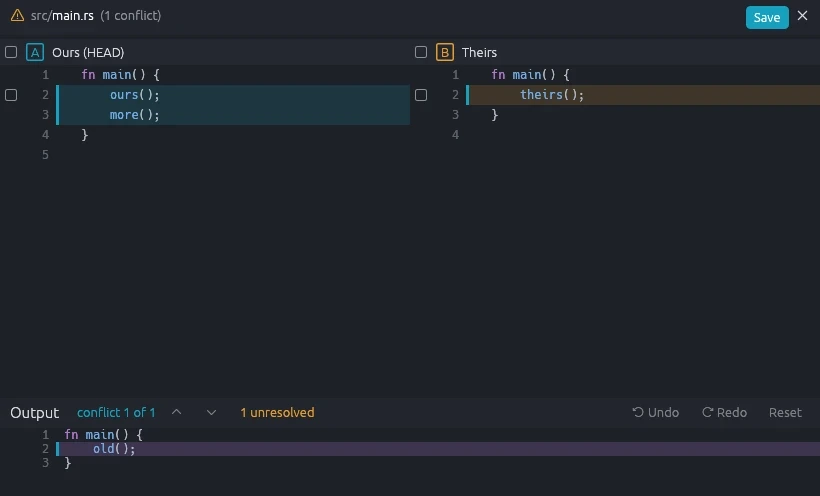
A built-in merge editor puts ours and theirs side by side over the result.
- Tick lines from either side into the output
- Step through each conflict in the file
- Undo, redo or reset as you go
Push without the terminal.
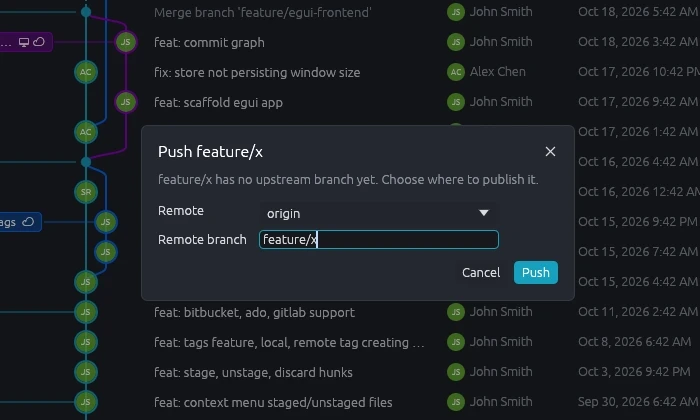
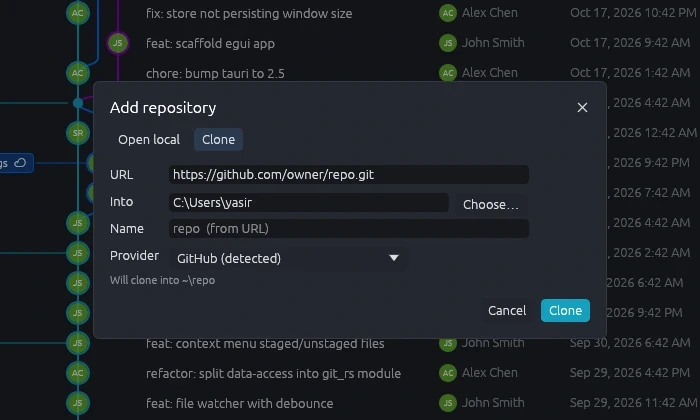
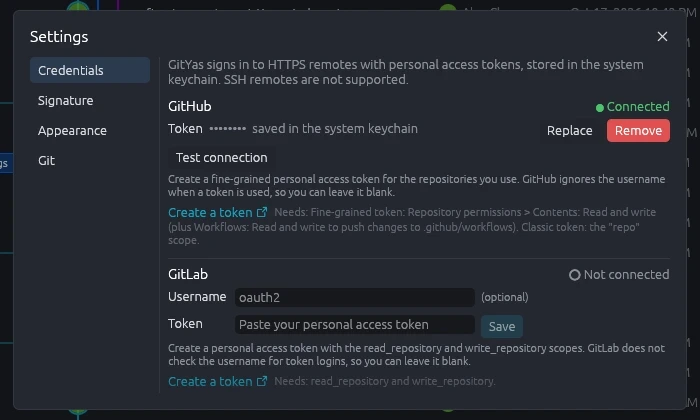
Clone, fetch, pull and push over HTTPS with a personal access token.
- GitHub, GitLab, Bitbucket and Azure DevOps
- Tokens kept in your system keychain
- Publish a new branch to any remote
Native, all the way down.
GitYas is one Rust binary. Nothing else to install, not even Git.
- Interface
- egui, drawn on the GPU
- Git engine
- libgit2, linked in
- Cache
- SQLite commit-graph cache
- Runtime
- No WebView, no Node, no git binary
- Updates
- Signature-checked at startup
Always FREE for all Git features
Pro is only about supporting the project for future development.
Free
100% of the Git features
$0
- Commit graph, history and stashes
- Hunk, inline and split diffs
- Three-pane merge editor
- Clone, fetch, pull and push
- GitHub, GitLab, Bitbucket and Azure DevOps
- Automatic updates
Commits carry an @GitYas postfix on the commit signature.
Pro
Support the project development
$19.99USD per year
- Everything in Free
- No @GitYas postfix on your commit signature
- No free tier popup on startup
Download GitYas
Version 1.0.0. Pick your platform; updates arrive on their own.
Windows
64-bit (x64)
Installs per user, so no admin prompt. Updates install themselves at startup.
macOS
Apple silicon or Intel
Drag to Applications. Updates replace the app in place and relaunch it.
Linux
x64, X11 or Wayland
The AppImage updates itself. The .deb shows a notice when a new version is out.
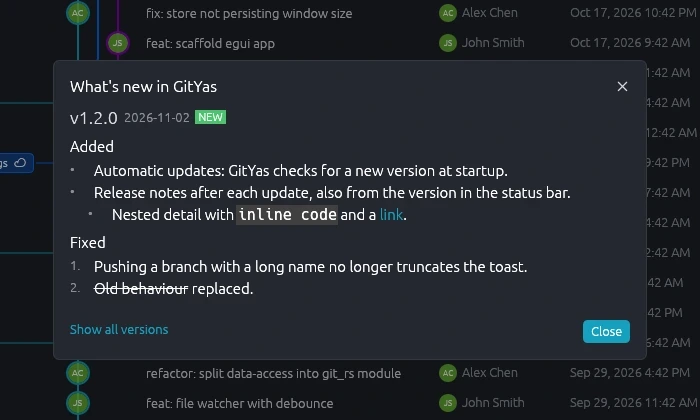
After every update
See what changed.
Release notes open after each update, and any time from the version in the status bar.